Now you can open any site in its mobile version in one click
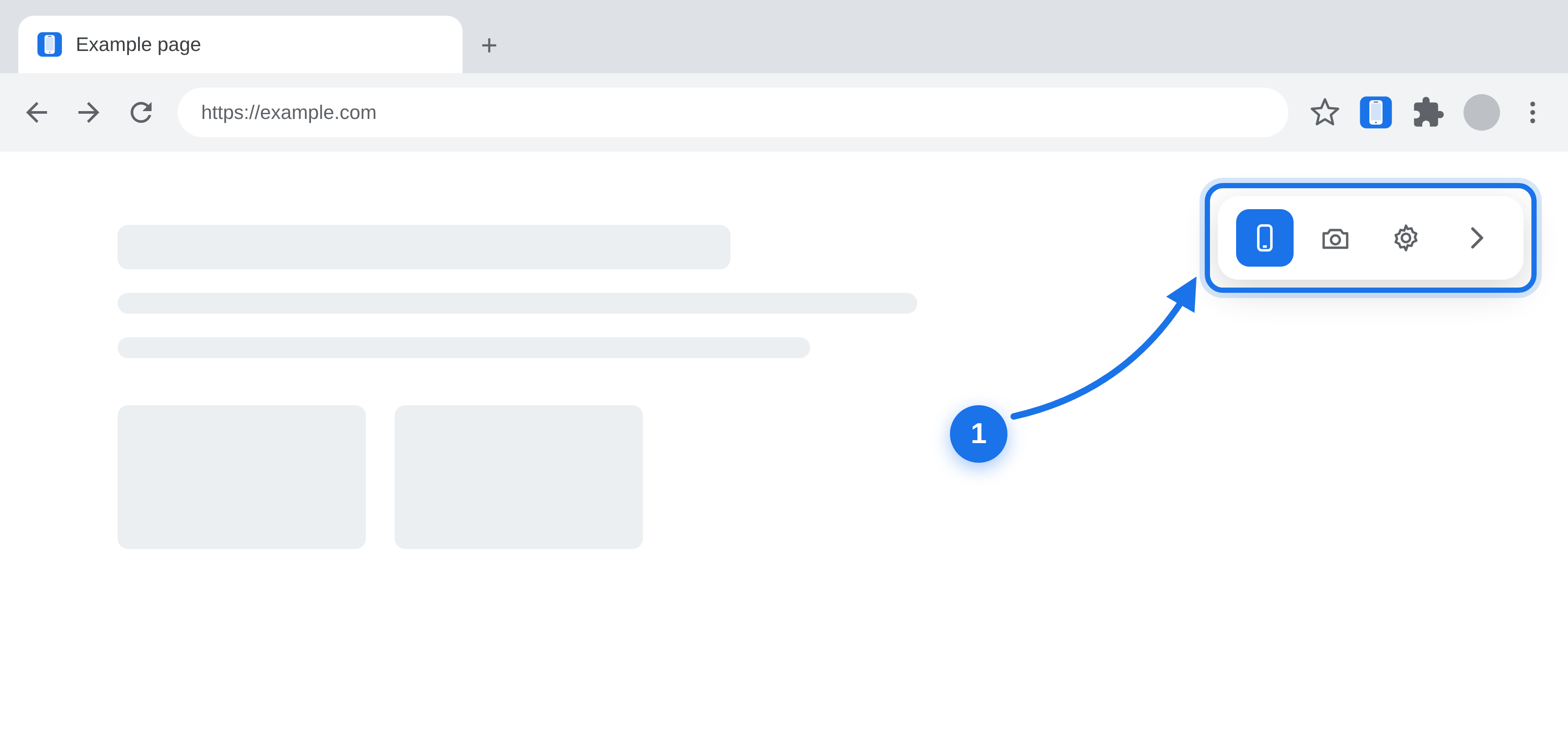
The floating toolbar (1) appears in the top right corner of any page — use it to switch to the mobile version:
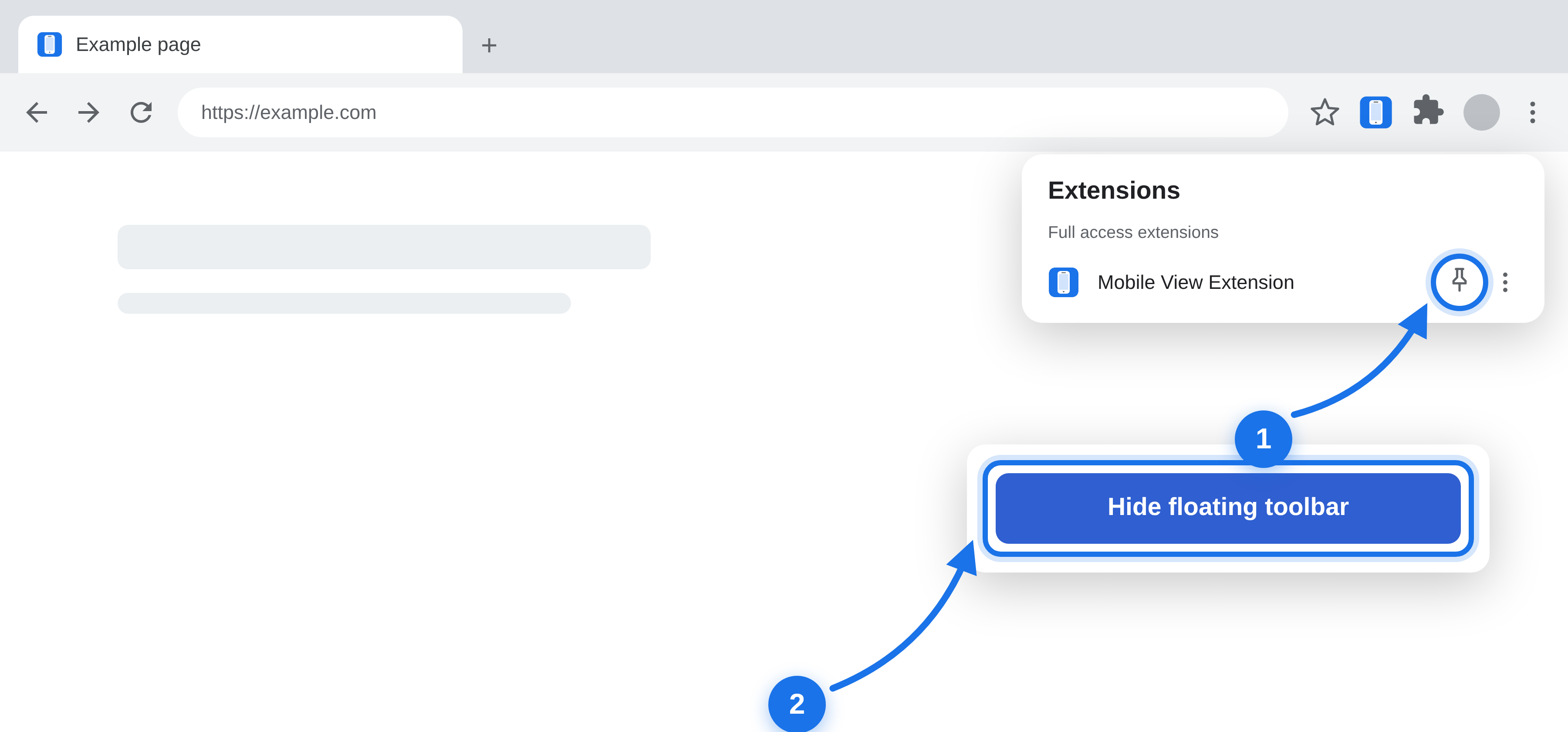
Pin the extension (1) for quick access, and click “Hide floating toolbar” (2) whenever you want to hide it: